Support Forum
This forum provides answers to commonly asked technical support questions.
If your problem is urgent and/or too complex for the forum format, email support@optotherm.com and an engineer will assist you.
This question has been flagged
1
Reply
912
Views

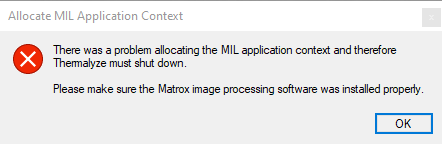
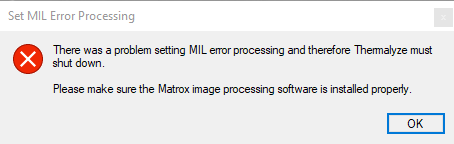
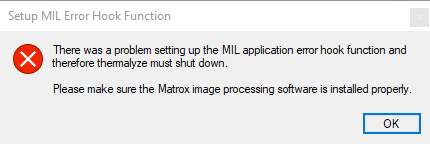
The Matrox Imaging Library Service Pack is not installed. Please preform the following Service Pack Installation Procedure:
- In the Matrox Setup ver… folder, open the MXSP… folder and double click the executable file.
- When the Install Shield Wizard window opens, click Next. If the window opens again, click Next.
- When the Install Shield Wizard Complete window opens, click Finish.